

One platform, two simple journeys
ScanEat connects diners and restaurant teams in real time — from a QR code scan on the table to a ticket in the kitchen to the numbers on your dashboard. Here's exactly how it works, step by step.
For diners
From scan to served, without an app
No downloads, no account required. Guests go from scanning a table QR code to placing an order in under a minute.
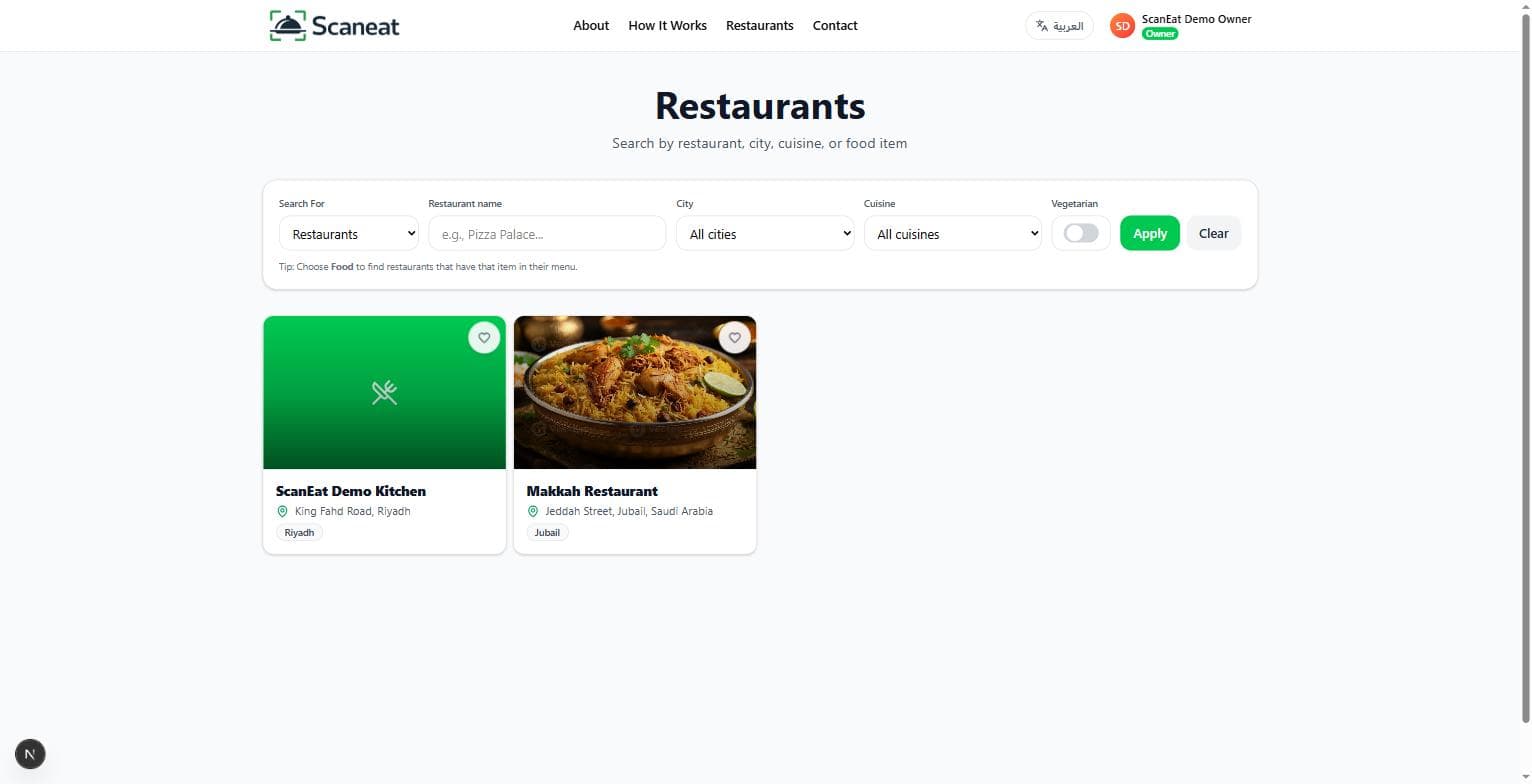
Scan the table QR or find a restaurant
Point your phone camera at the table's QR code, or browse the ScanEat restaurant directory. Either way, the menu opens instantly in your browser — no app to download.
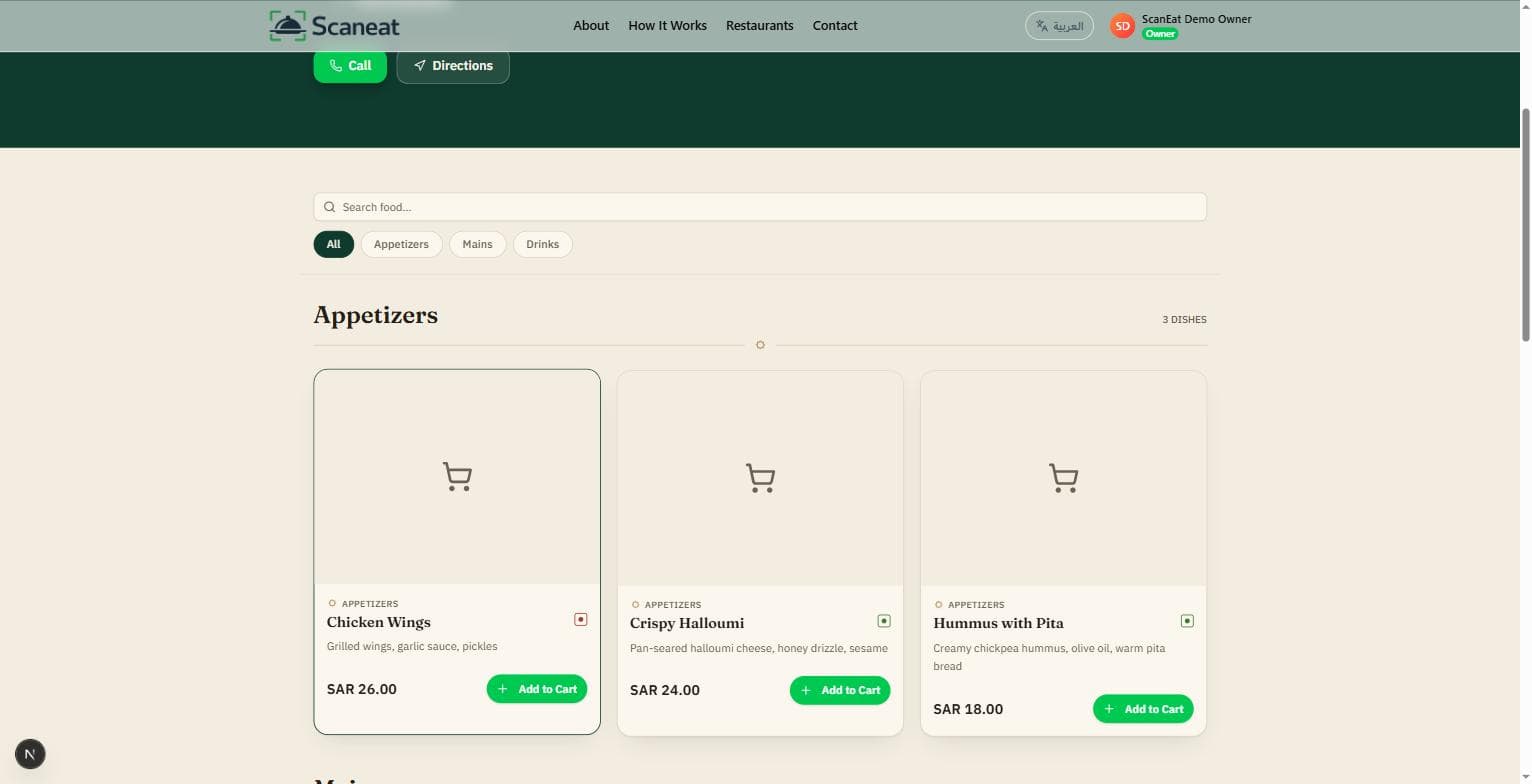
Browse the digital menu
Scroll a clean, mobile-first menu with photos, prices, categories, and veg/non-veg tags. Search for a dish or filter by category in seconds.
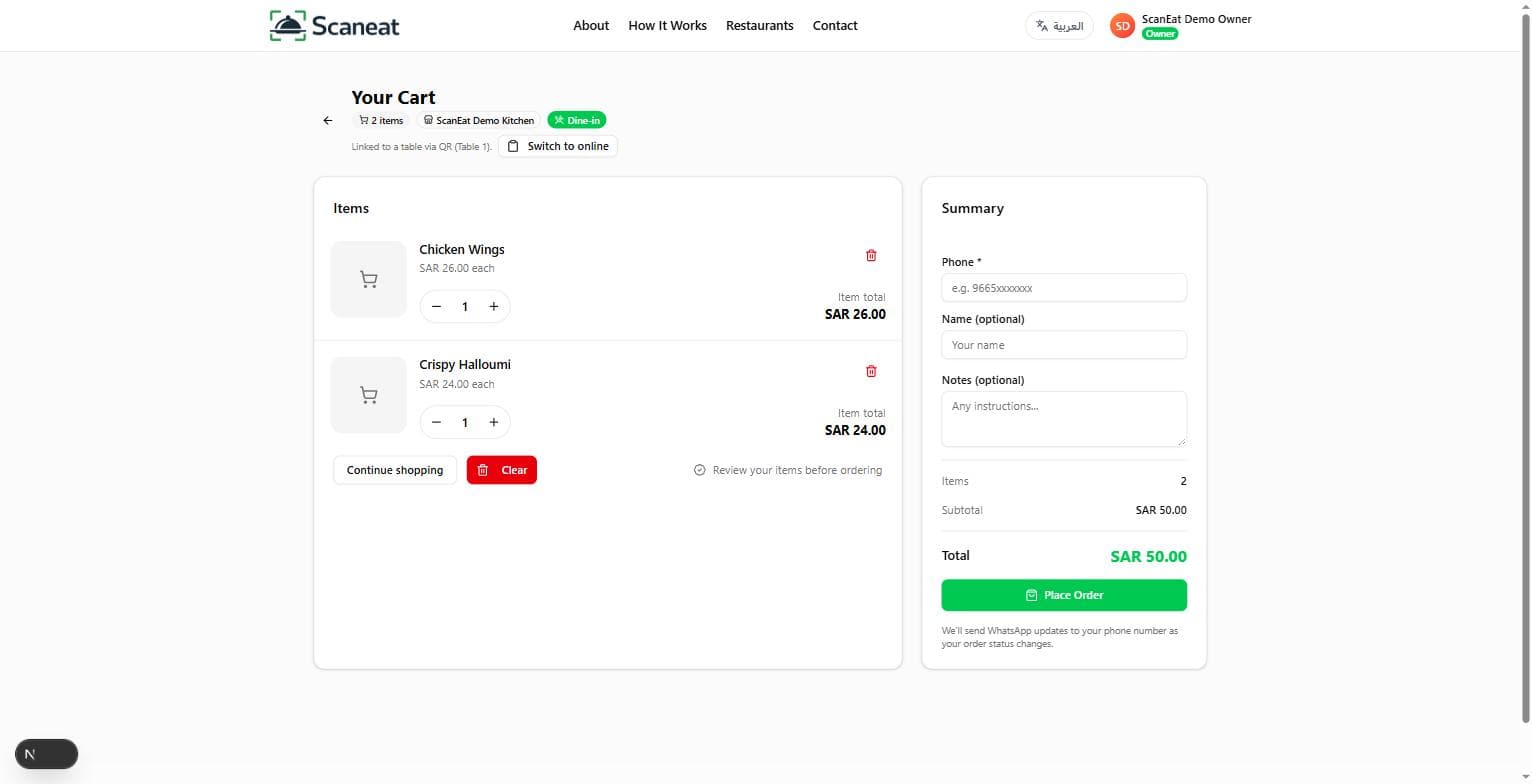
Add to cart and choose how you'll order
Add items to your cart, adjust quantities, and pick dine-in, pickup, or delivery depending on what the restaurant offers.
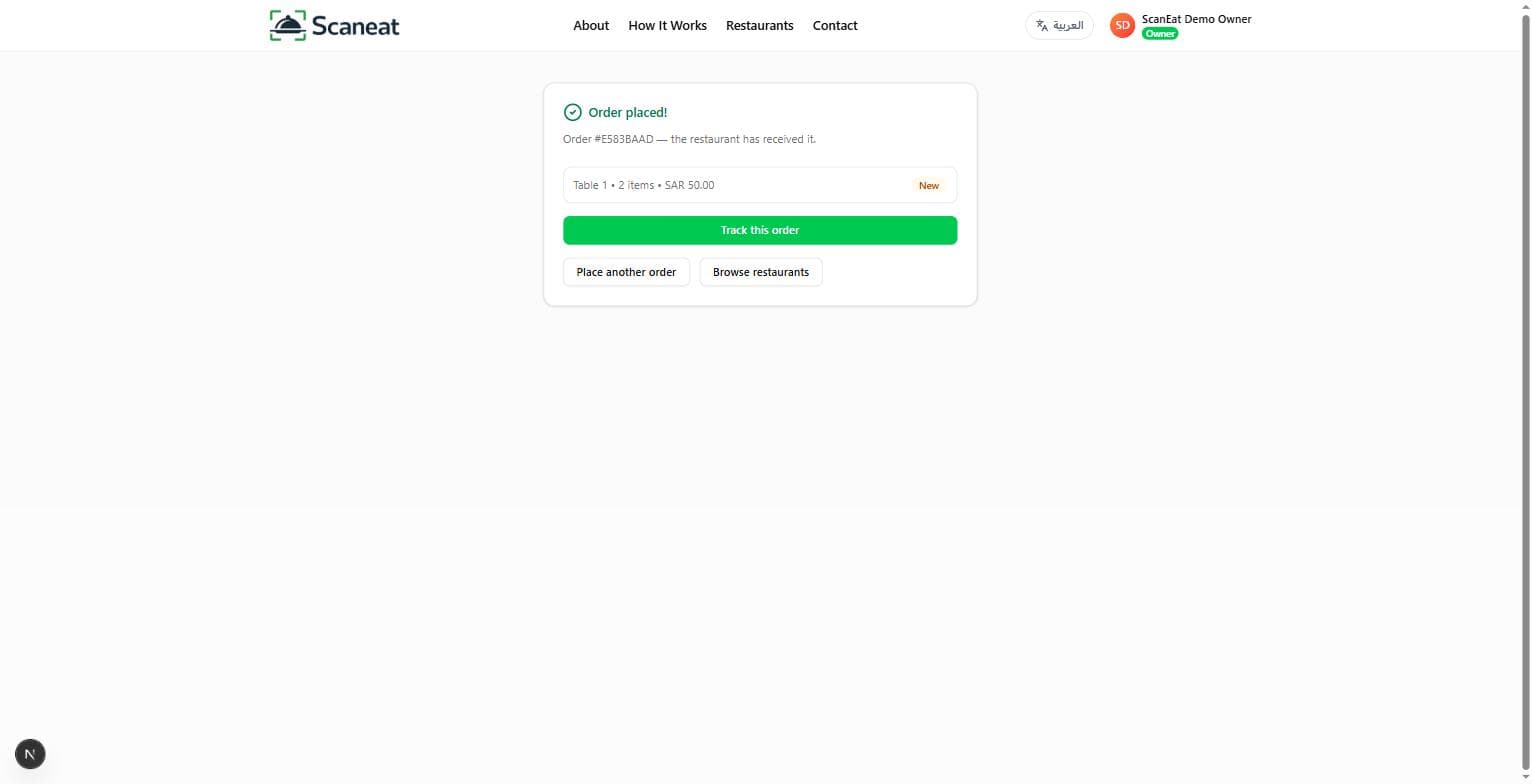
Checkout — sent straight to the restaurant
Confirm your order and it's sent directly to the restaurant, ready to hand off over WhatsApp for a fast, familiar confirmation.
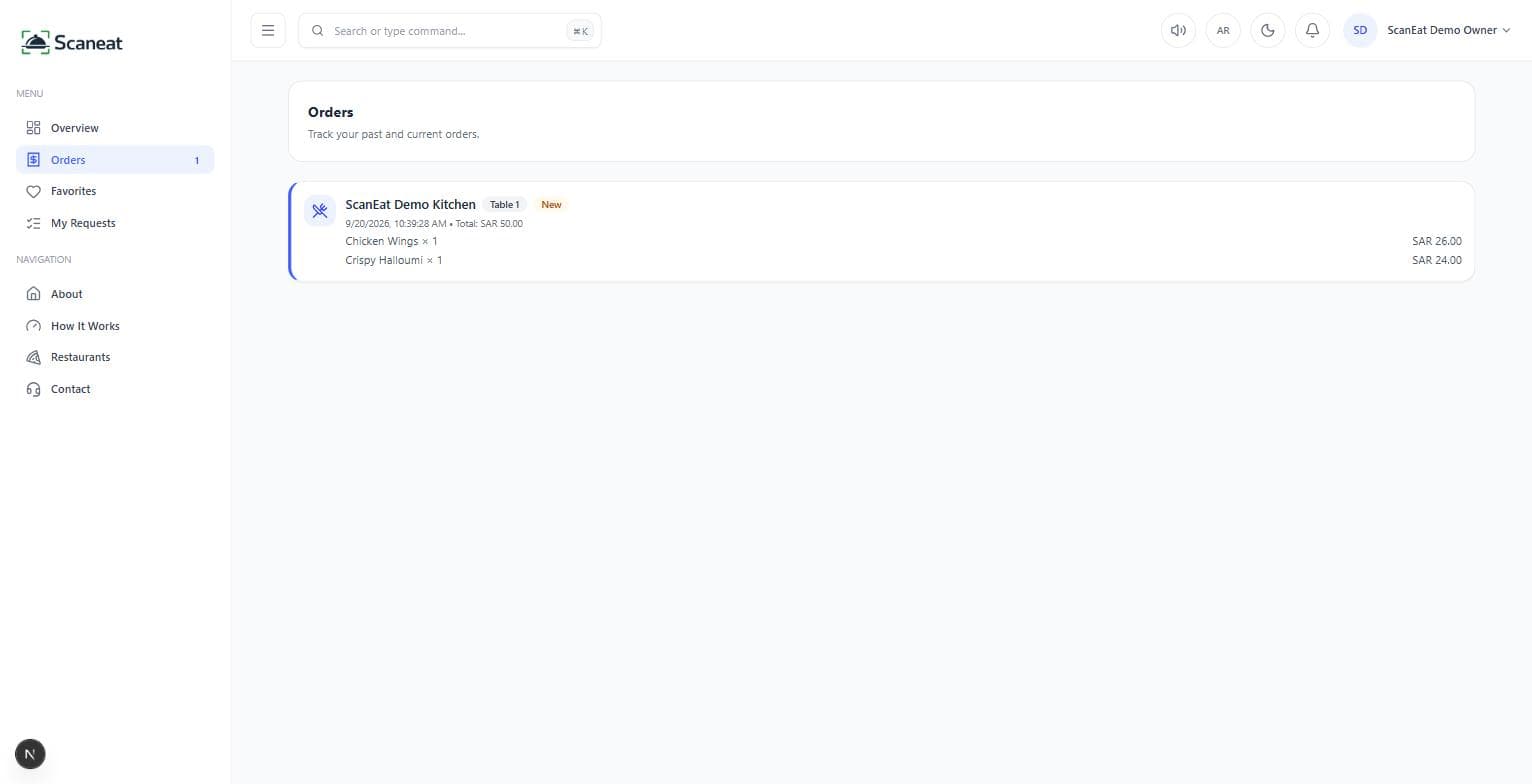
Track your order live, then rate your visit
Watch your order move from received to preparing to ready in real time, then rate the restaurant and your favorite dishes afterward.
For restaurants
From sign-up to sold out, all in one dashboard
Everything a restaurant needs to run digital ordering — menu, QR codes, live orders, and analytics — in one role-based platform for owners, kitchen, and waiters.
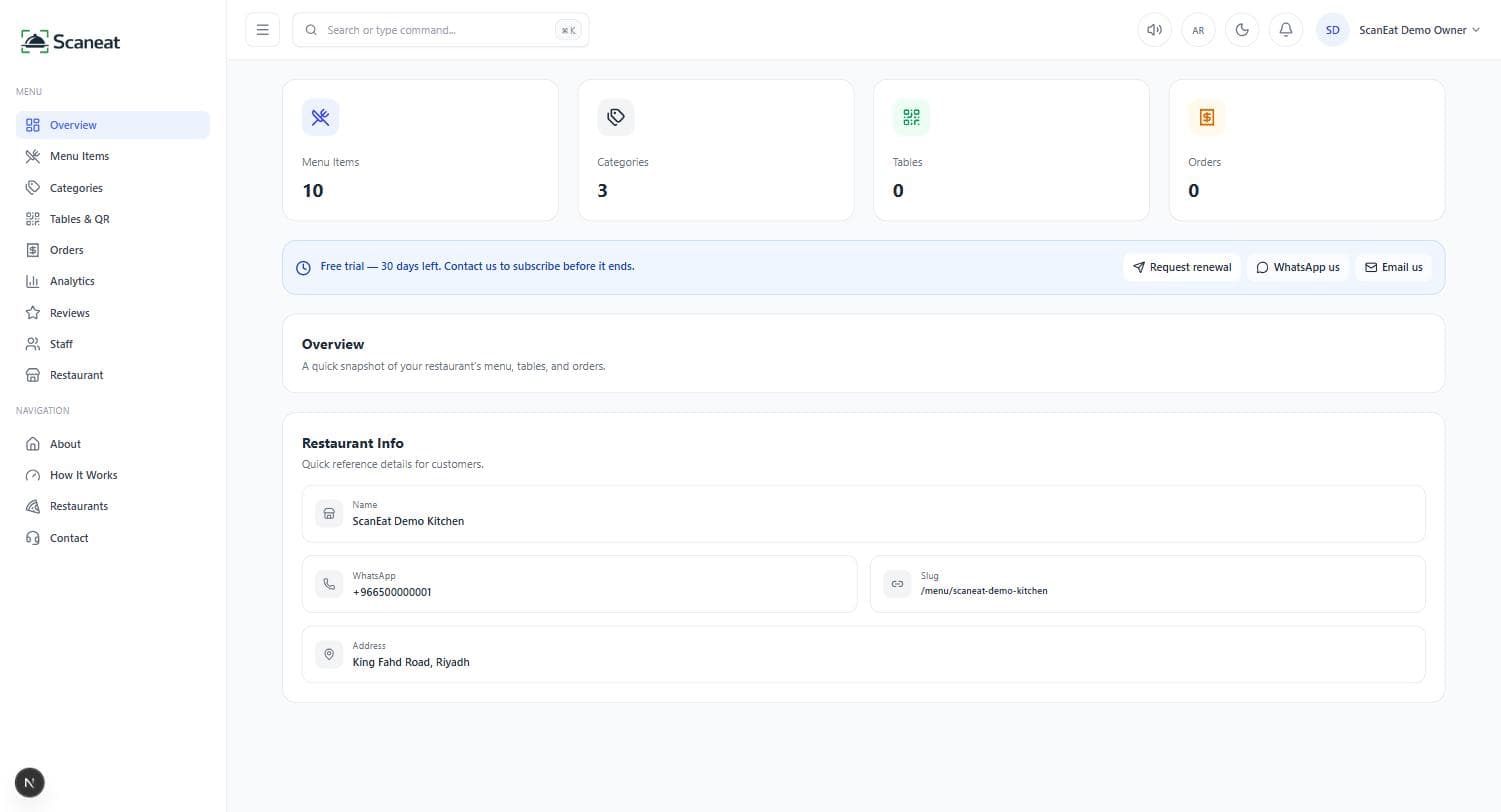
Sign up and set up your restaurant
Create your account, get a 30-day free trial, and set up your restaurant profile — branding, cuisine, and contact details — in minutes.
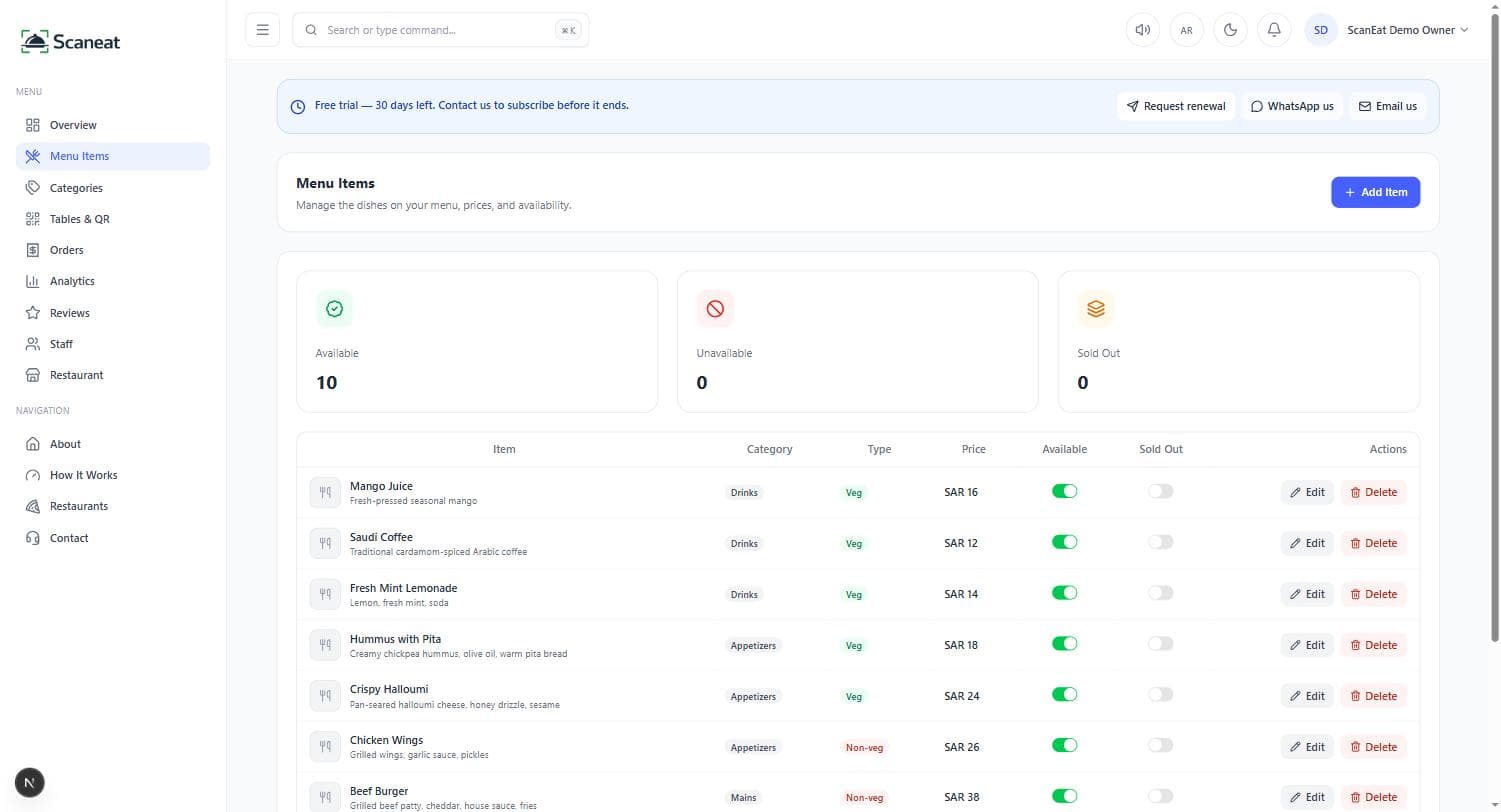
Build your digital menu
Add categories and items with photos, prices, and descriptions. Toggle availability anytime — no reprinting, no waiting.
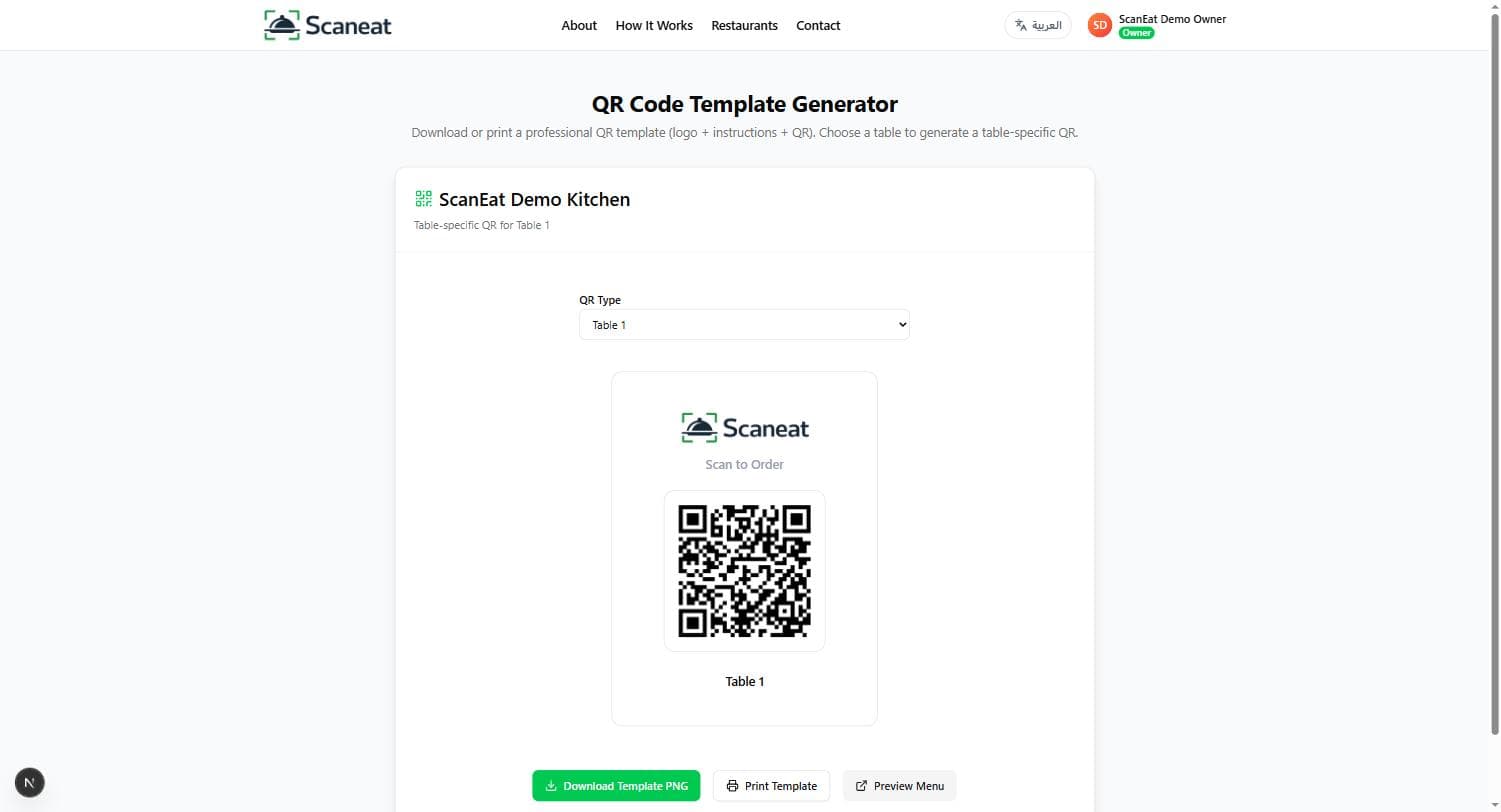
Generate and print your table QR codes
Bulk-generate branded QR codes for every table, ready to print and place, each one linking straight to your live menu.
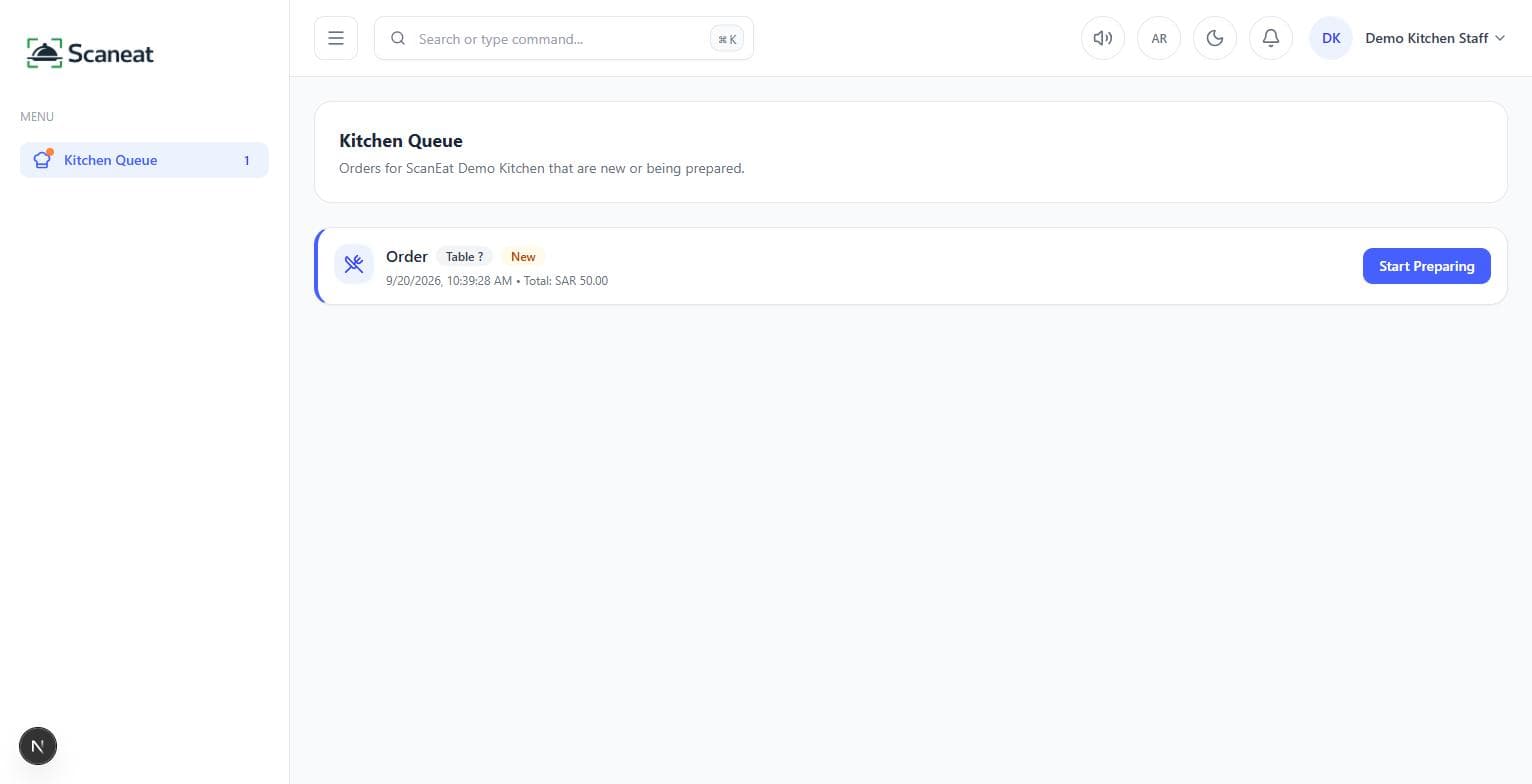
Manage live orders across your team
Orders land on the kitchen screen the moment they're placed, move to the waiter screen when ready, and trigger an automatic WhatsApp update to the customer — all synced in real time.
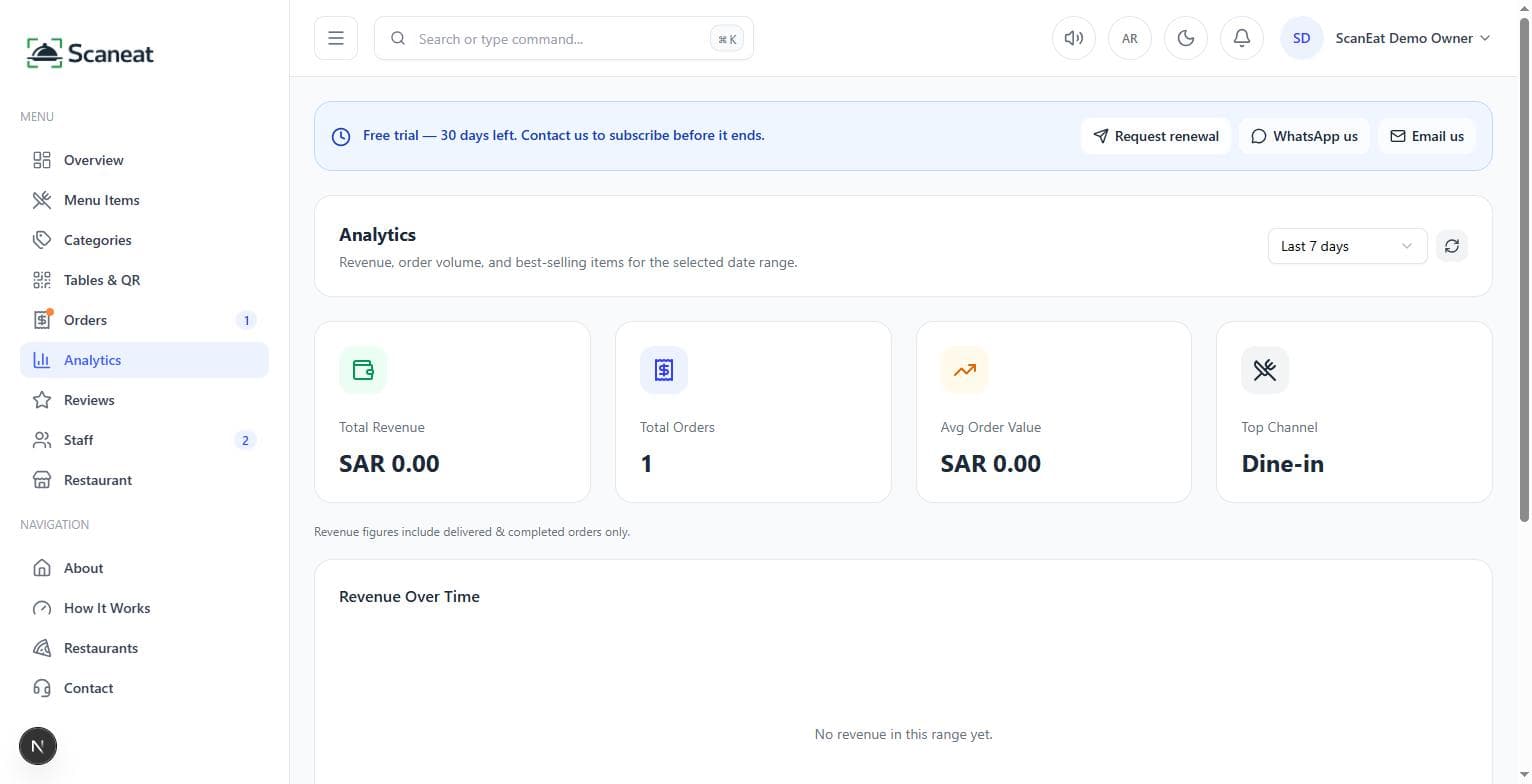
Track performance and grow
See revenue, order volume, average order value, and your top-selling items on one analytics dashboard, and manage staff, roles, and billing from the same place.
FAQ
Common questions about how ScanEat works
Do customers need to download an app?
How do orders reach the kitchen?
How does the customer get notified about their order?
Can each table have its own QR code?
What does it cost to get started?
Do kitchen and waiter staff get their own screens?
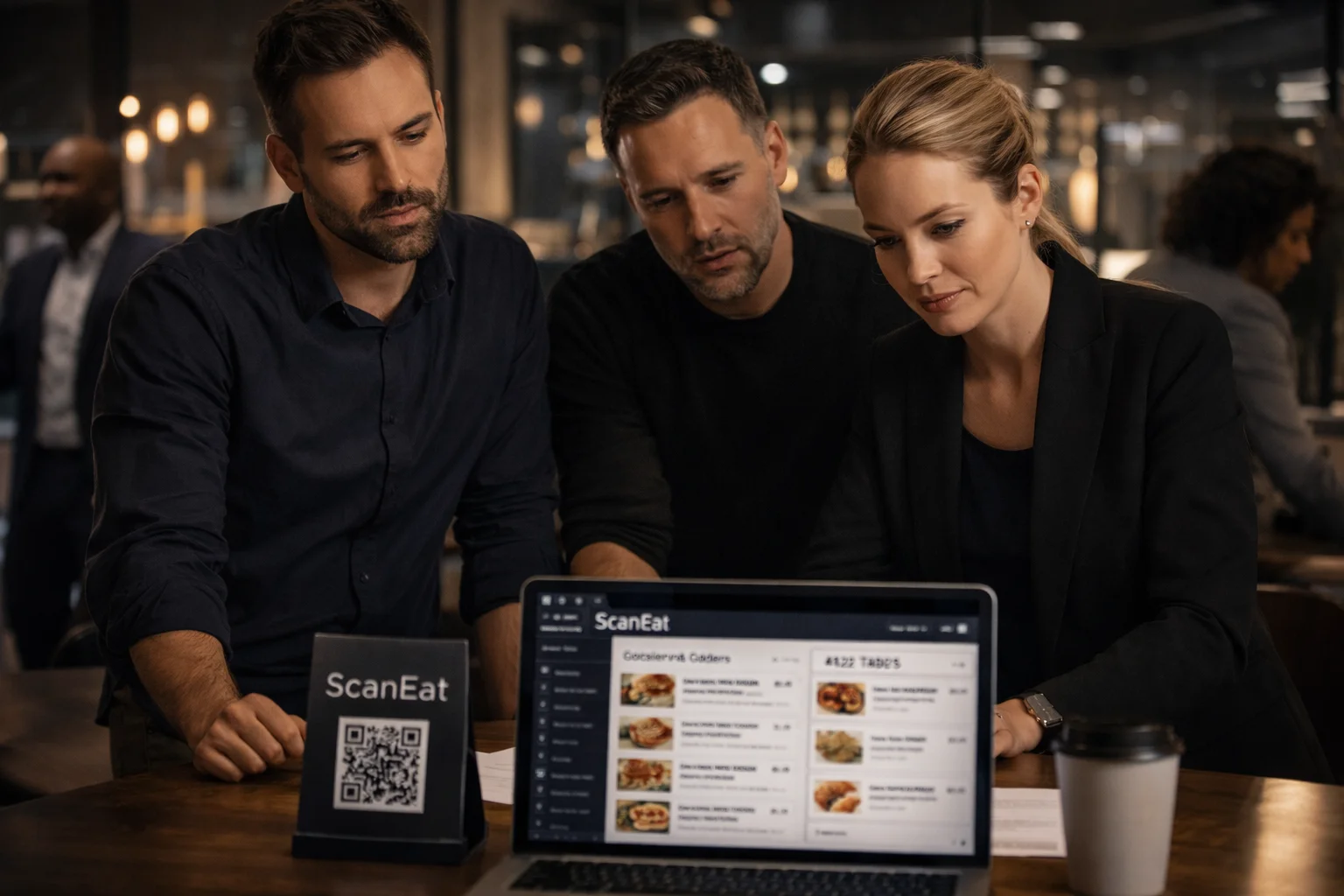
Ready to launch your restaurant QR menu?
Start free, create your menu, generate QR codes, and start running orders through a live kitchen and staff dashboard — all in just a few minutes.